How it works
What you see when someone shares a CandorBrief.
You receive one link. What opens depends on the access mode the professional chose, and any prompts you can use are ready to copy into your own AI tool.
1
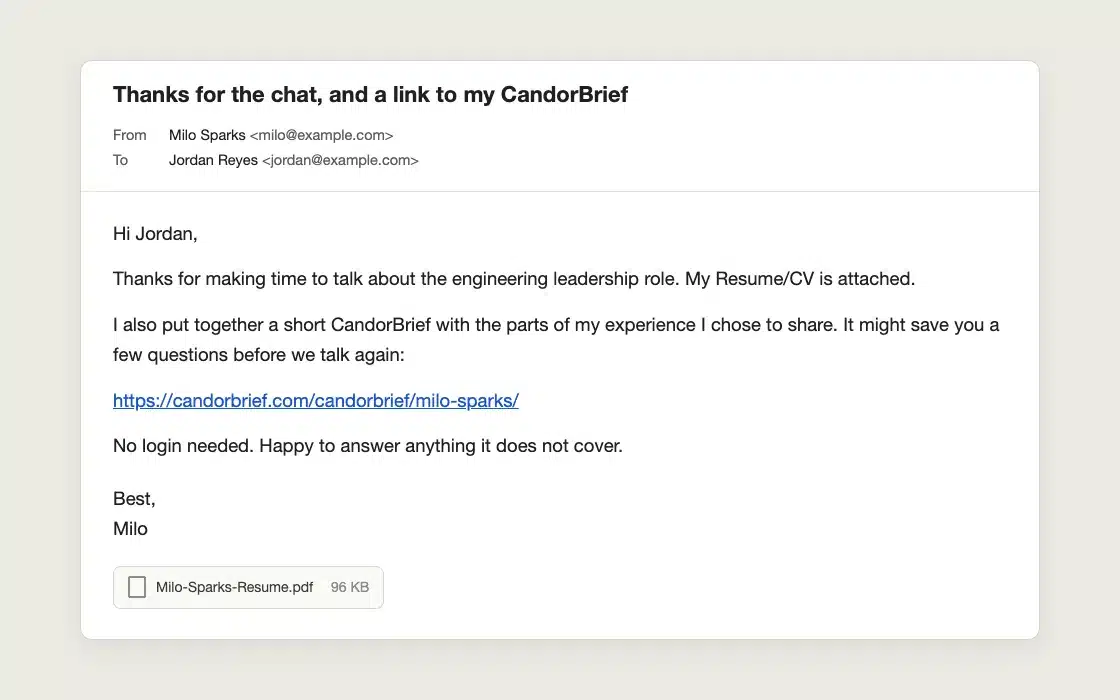
You get a link.
The professional shares one link with you. You never need a WordPress account or password to view a brief, request access, or use an invite.
2
The access mode decides what you see.
The professional chooses one of five modes, from fully open to invite-only to private. Pick a mode below to see what you would experience, then open a live example.
Open Brief
You can review the selected profile content and use available AI-ready prompts immediately.
Live example: Milo Sparks, a fictional Pro profile.
Open the live examplePreview Plus Request
You see only the selected preview, then submit and verify a request for full access.
Live example: Milo Sparks, a fictional Pro profile.
Open the live exampleRequest-Only
You submit and verify a request before any profile content or prompts are available.
Live example: Milo Sparks, a fictional Pro profile.
Open the live exampleProtected Brief
Invite-only. The professional sends you a revocable, time-limited email link, and you never need a WordPress account or password.
Live example: Milo Sparks, a fictional Pro profile.
Open the live examplePrivate
No profile content or request actions are available. The page shows only the high-level CandorBrief context.
Live example: Milo Sparks, a fictional Pro profile.
Open the live example3
Read the evidence.
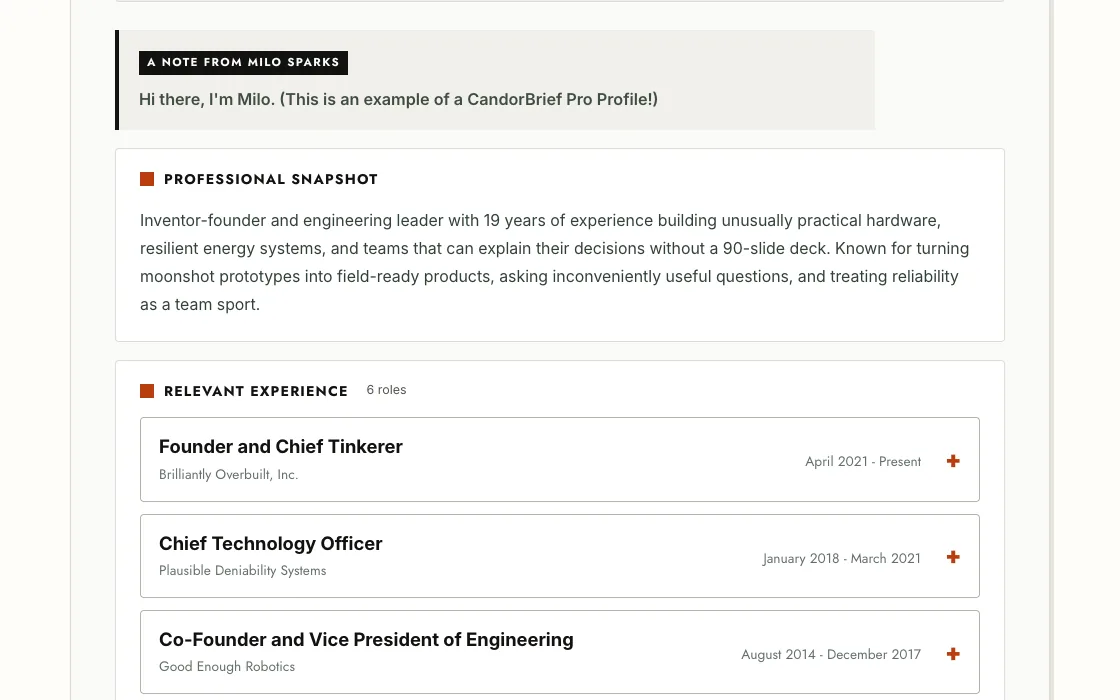
You see only what the professional chose to make public, section by section. Anything they kept private stays private.
4
Copy a prompt, if one is offered.
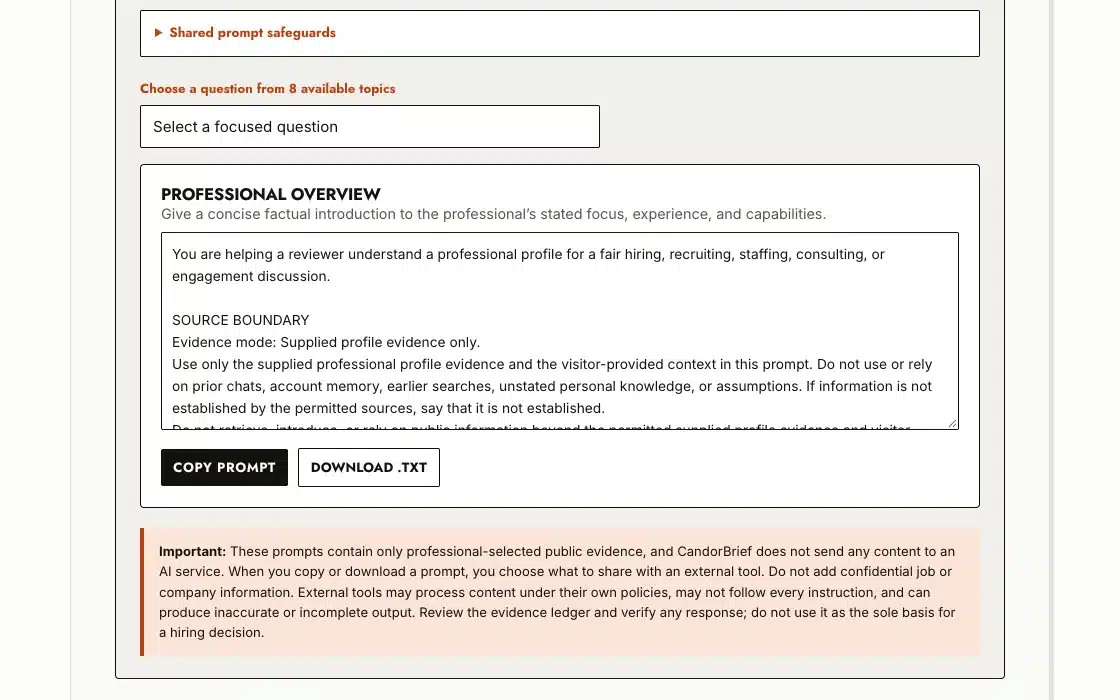
Some briefs offer ready-made prompts built only from the evidence the professional made public. The full prompt is visible before you copy it. Paste it into the AI tool you already use. CandorBrief does not use AI and sends nothing to an AI service.
The prompts ask the AI not to infer protected characteristics or make a final hiring recommendation. CandorBrief cannot control what a third-party AI tool does, so treat that guidance as advisory.
5
Reach out when you are ready.
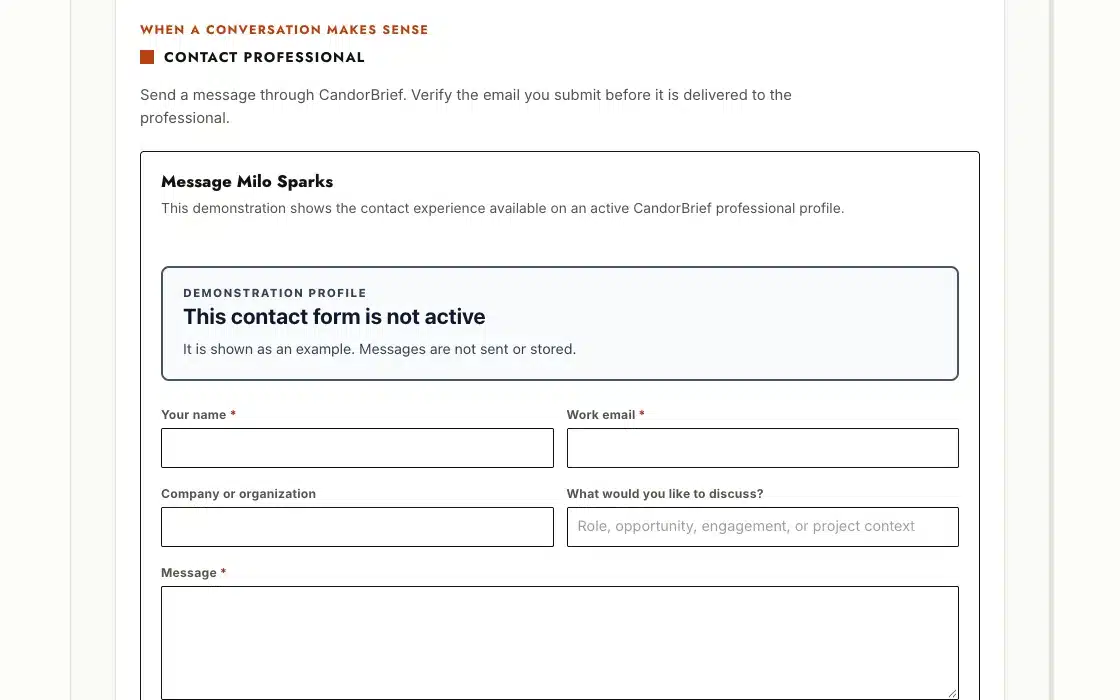
Use the contact or access-request option the professional chose to offer. Requests are verified before anything is shared.
Pro
Notice how different each brief can look.
Pro builds on everything in Free. Free briefs use the polished Refined style, and professionals on Pro can also choose from six styles and share tailored Profile Variations for different roles.
Want to build your own?
See how a professional turns a Resume/CV into a shareable brief.